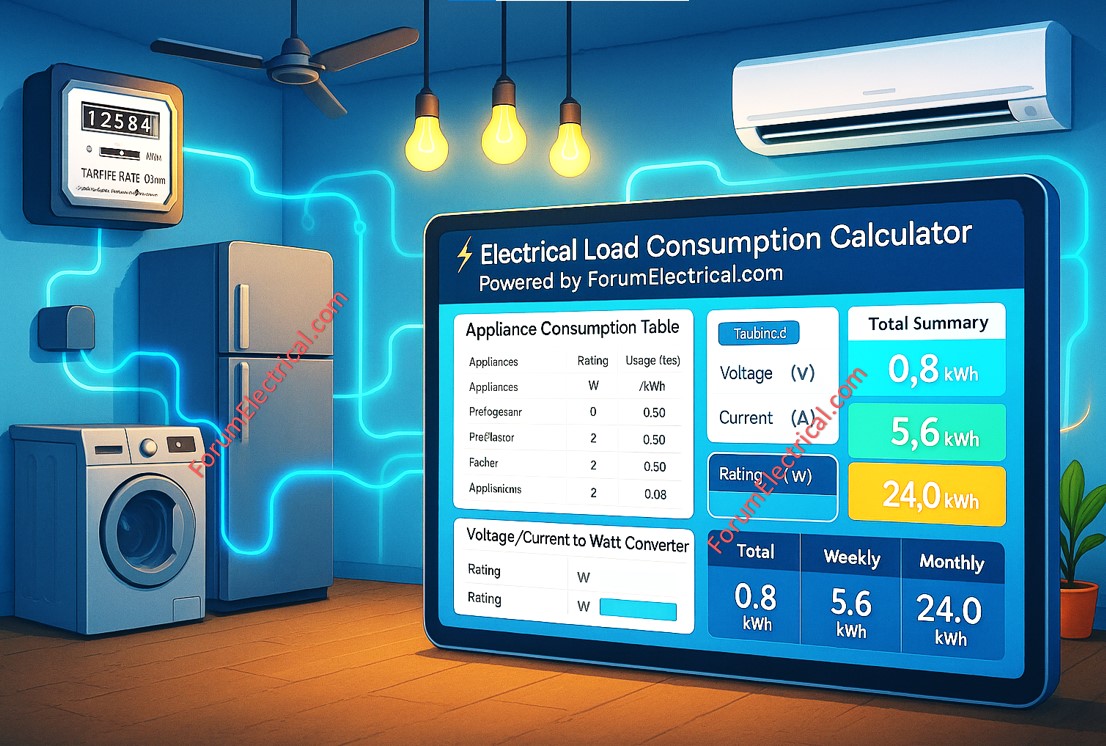
Calculator
⚡ Electrical Load Consumption Calculator
Calculate your electricity consumption and costs – Powered by ForumElectrical.com
📖 How to Use This Calculator
- Enter your location and EB tariff rate (₹/kWh)
- Select appliance from dropdown list in the Appliance column
- Rating (W) will auto-fill based on your selection
- Enter daily usage hours for the selected appliance
- Enter number of similar units (default: 1)
- Enter days per week of usage (default: 7)
- Enter days per month of usage (default: 30)
- Daily, Weekly, and Monthly consumption will be calculated automatically
- Use the Voltage/Current converter if you only know voltage and current values
- Click “Add Row” to add more appliances
- Export results to Excel or PDF format
| No | Appliance | Rating (W) | Usage (hrs/day) | # Units | Daily (kWh) | Days/Week | Weekly (kWh) | Days/Month | Monthly (kWh) | Monthly Cost (₹) |
|---|
Total Daily Consumption
Total Weekly Consumption
Total Monthly Consumption
Total Monthly Cost
Click here for more Electrical Calculators
Click here for more Amp Calculator
Click here for more Volt Calculator
Click here for more Watt Calculator
Understanding & managing household electricity consumption has never been more important in the modern world, as electricity bills continue increase and environmental consciousness gets stronger.
The Electrical Load Consumption Calculator is a secure and user-friendly web-based application developed to assist houseowners, electricians and energy consultants in accurately calculating electricity usage and associated expenses for various household equipment.
This calculator responds to an important need: most individuals are unclear of how much electricity their appliances use on a daily, weekly (or) monthly basis, making it difficult to detect energy-wasting equipment and develop efficient energy-saving initiatives.
Users may make informed judgments regarding their energy consumption patterns due to this tool's exact calculations and visual insights.
This calculator is an excellent resource if you want to decrease your
- Electricity costs,
- Size a backup generator,
- Design a solar power system (or) simply learn more about your household's energy footprint.
What is the Electrical Load Consumption Calculator?
The Electrical Load Consumption Calculator is a complete digital application that evaluates the electrical energy consumption and expenditures of household appliances across various time periods.
This calculator is very useful for:
> Houseowners check electricity consumption.
> Electrical contractors prepare load estimations.
> Solar panel installers size renewable energy installations.
> Energy auditors do house examinations.
> Students learn about electricity consumption.
> Anyone interested in lowering electricity prices.
Understanding the Formulas
The calculator uses the fundamental electrical engineering formulas to calculate energy consumption and also the costs.
Understanding these formulas helps the users to appreciate the accuracy and reliability of calculations.
Power Rating Calculation (for Voltage/Current Converter)
When only voltage & current are known:
Power (W) = Voltage (V) x Current (A)
Ex: A device operating at 230V and drawing 2A consumes:
Power = 230V x 2A = 460 Watts
Daily Energy Consumption
Daily Consumption (kWh) = [Power Rating (W) x Usage Hours/Day x Number of Units] / 1000
The division by 1000 converts Watt-hours (Wh) to kilowatt-hours (kWh), the standard unit for electrical billing.
Ex: Two 75W ceiling fans running 8 hours per day:
Daily Consumption = (75W x 8 hours x 2 units)/1000 = 1.2 kWh
Weekly Energy Consumption
Weekly Consumption (kWh) = Daily Consumption (kWh) x Days Used per Week
This allows for appliances that are not used every day (Eg: Washing machines typically used 2-3 days per week).
Ex: If the fans above run 7 days per week:
Weekly Consumption = 1.2 kWh x 7 = 8.4 kWh
Monthly Energy Consumption
Monthly Consumption (kWh) = Daily Consumption (kWh) x Days Used/Month
Ex: For 30 days of operation:
Monthly Consumption = 1.2 kWh × 30 = 36 kWh
Monthly Cost Calculation
Monthly Cost (₹) = Monthly Consumption (kWh) × Tariff Rate (₹/kWh)
Ex: At a tariff rate of ₹6.00 per kWh
Monthly Cost = 36 kWh × ₹6.00 = ₹216.00
Total Calculations
The calculator automatically sums all of the individual appliance values to provide:
Total Daily Consumption = Sum of all the daily consumptions
Total Weekly Consumption = Sum of all the weekly consumptions
Total Monthly Consumption = Sum of all the monthly consumptions
Total Monthly Cost = Sum of all the individual monthly costs
How to Use the Calculator - Step-by-Step Guide
Step 1: Enter Location and Tariff Information
Location Field: Enter the name of your city (or) state (default: Tamil Nadu)
TNEB Tariff Rate: Enter your electricity cost/unit (kWh).
The default is ₹6.00 but this varies based on:
> Your electricity provider
> Your consumption slab (domestic/commercial)
> Time-of-use rates if applicable
Tip: Check your electricity bill to find your exact tariff rate.
Step 2: Understanding the Appliance Table
The table contains 10 columns:
Appliance: Dropdown menu with pre-loaded devices
Rating (W): Power consumption in Watts (auto-fills when appliance is selected)
Usage (hrs/day): How many hours the appliance runs daily
Units: Number of identical appliances (e.g., 5 LED bulbs)
Daily (kWh): Calculated daily consumption
Days/Week: How many days per week the appliance is used
Weekly (kWh): Calculated weekly consumption
Days/Month: How many days per month the appliance is used
Monthly (kWh): Calculated monthly consumption
Monthly Cost (₹): Calculated cost in rupees
Step 3: Adding Appliances
Use the Pre-loaded List:
- Click the "Appliance" dropdown in any row
- Select from 35+ pre-loaded appliances (TVs, ACs, refrigerators, lights, etc.)
- The "Rating (W) field auto-fills with typical power consumption
For Custom Appliances:
- Select "Select" from the dropdown
- Manually enter the power rating in the "Rating (W)" field
- Check the appliance nameplate or manual for accurate wattage
Step 4: Enter Usage Details
- Usage Hours: Enter average daily runtime
- Number of Units: Enter quantity of identical appliances
- Days per Week/Month: Adjust for appliances not used daily
Step 5: Using the Voltage/Current Converter
If you only know the voltage and current specifications:
1. Enter Voltage (V) - typically 230V for single-phase
2. Enter Current (A) - found on the appliance nameplate
3. Click "Calculate" button
4. The Rating (W) field displays the calculated power
5. Copy this value to the appliance table if needed
Step 7: Recalculating
Calculations update automatically when you change any value
Use Recalculate All button to refresh all calculations manually if needed
Step 8: Reviewing the Summary
The summary section displays four key metrics.

